Localview is a webserver running on an AirShield that provides more real-time data visibility, access to extra data and configuration of system settings. This service is not accessible from the Cloud or On-Premise console, only from systems with TCP/IP access to the destination IP and port combination.
Finding the AirShield's IP Address
There are multiple methods available to discover the IP Address of an AirShield.
- Review your DHCP server's assignments
- Connect an RJ45 serial console cable and view the login banner
- Access the primary Console via web browser and find the AirShield Sensor in a message or list
DHCP Assignment
This method requires you have access to systems outside of LOCH's scope.
RJ45 Serial Cable
View the document AIRSHIELD Serial Console.
Primary Console
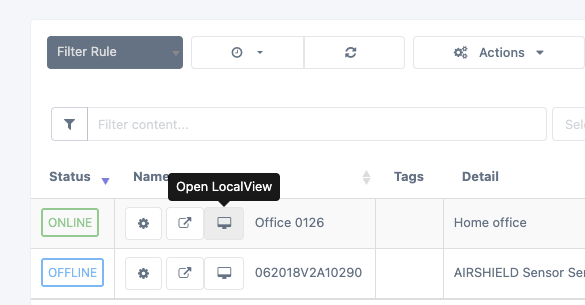
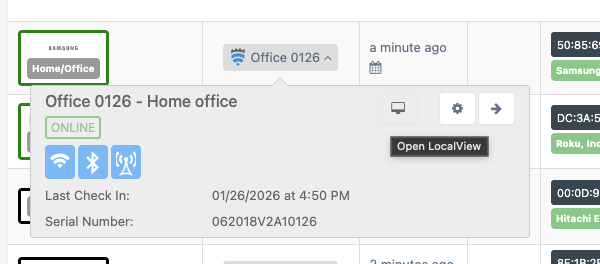
The URL and details for accessing Localview are available from the primary console when accessing the details of an AirShield. In most cases a Display icon will identify the popup.
The detail popup will look like:
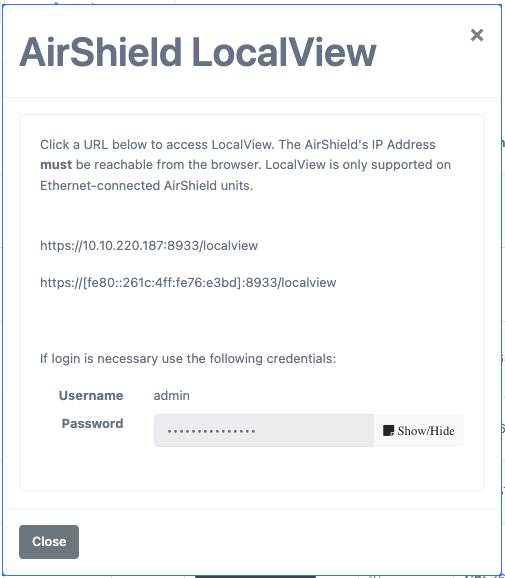
Use the Show/Hide button to display the default password for the Localview admin. Note that this password can be changed for units running ASOS firmware v1.0.0 or higher.
Click on the accessible IPv4 or IPv6 addresses to reach the Localview login screen. Your web browser must be able to access the IP address of the targeted AirShield.
From the View Sensors page:
From any page with Sensor detail popups:
Access the Localview Page
Localview's web server runs on TCP/8933 and supports TLS v1.2 and higher. A unique self-signed certificate is generated for each AirShield.
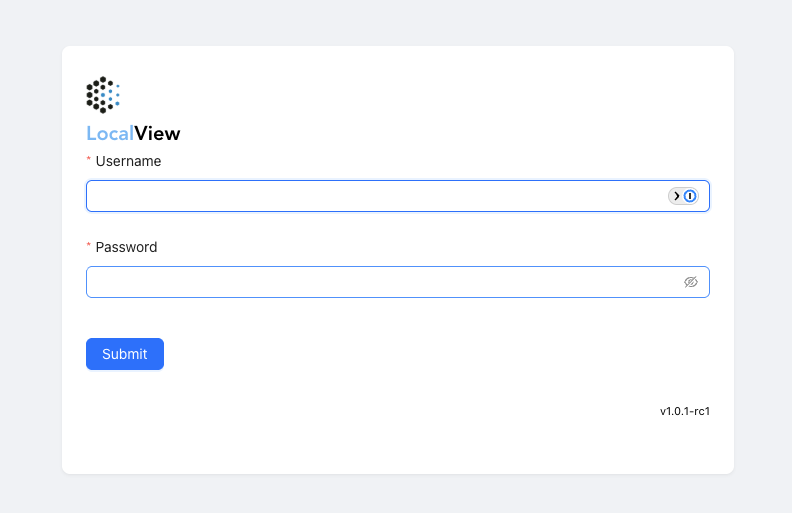
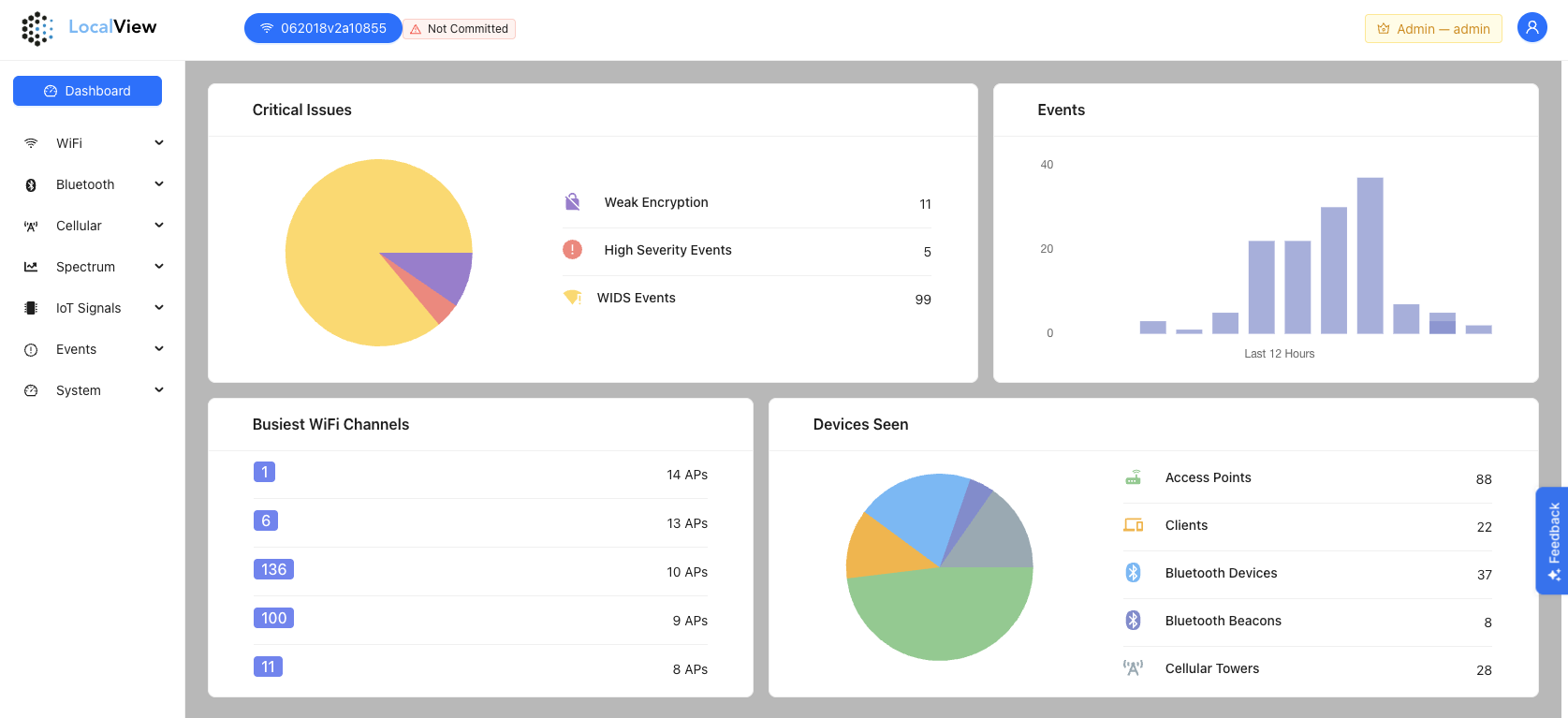
After a successful login the main Dashboard will appear. Depending upon what the system configuration is, data collected is available from the left-side navigation menu.
Was this article helpful?
That’s Great!
Thank you for your feedback
Sorry! We couldn't be helpful
Thank you for your feedback
Feedback sent
We appreciate your effort and will try to fix the article